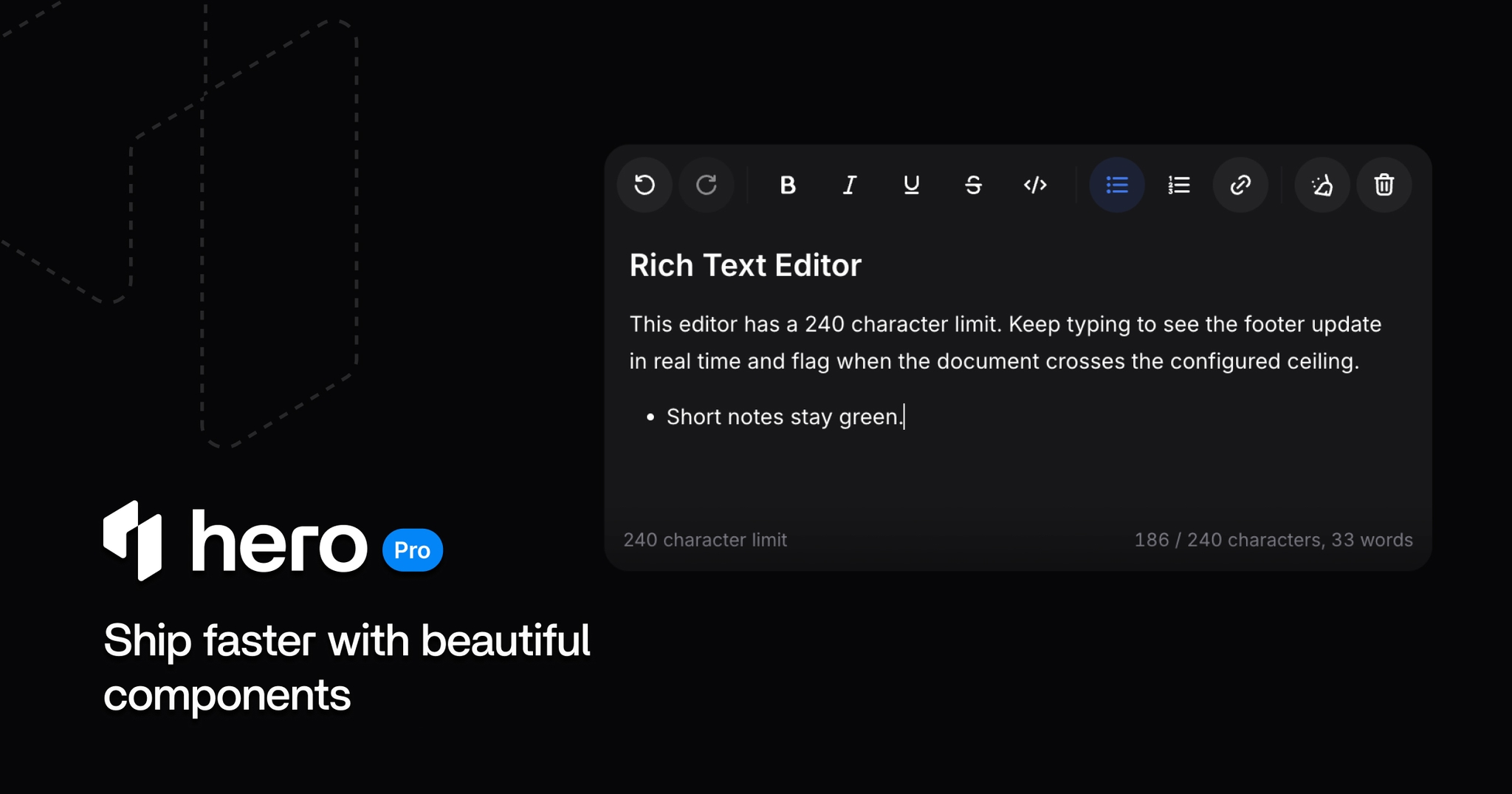
Rich Text Editor and Timeline components, PromptInput layout API, Resizable pixel sizing, HeroUI 3.2.0 peer dependency support and focused polish across Agenda, Rating, and scroll surfaces.
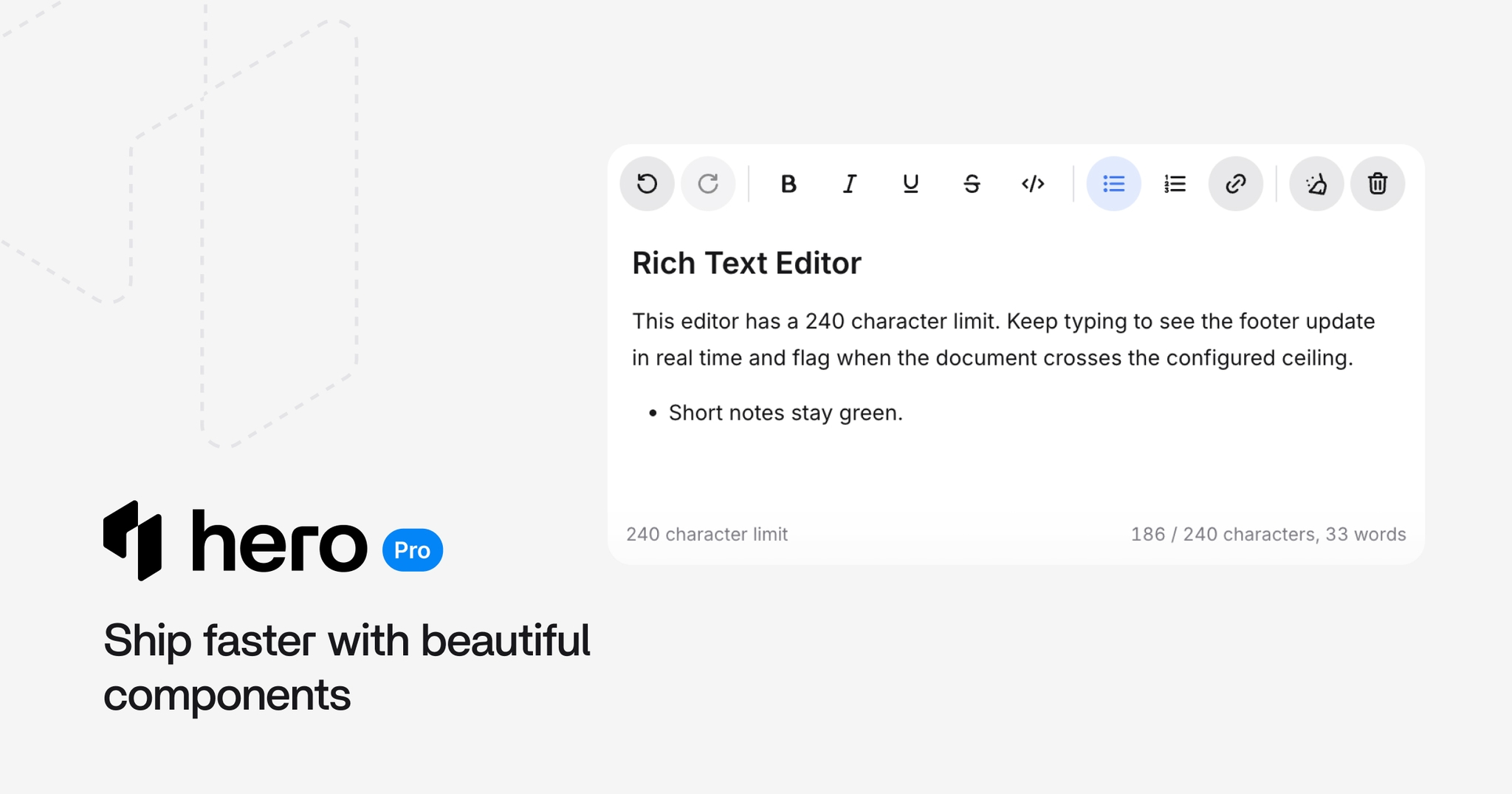
This release adds two new components: Rich Text Editor for Tiptap-based document editing and Timeline for read-only event chronology. It also splits PromptInput surface styling from layout, adds pixel-based Resizable panel sizing, and ships focused fixes for Agenda, Rating, and shared scrollbar styling. Moreover, it updates HeroUI OSS peer dependencies to 3.2.0.
⚠️ Breaking change:
@heroui/react and @heroui/styles peer dependency minimums are now >=3.2.0.PromptInput variant="inline" is now layout="inline". variant is limited to primary and secondary.Tiptap-based editor with default toolbar controls, selection bubble menu, empty-line floating menu, link popover, and JSON document values.
Key features:
defaultValue, value, and onValueChangeControlled mode:
import {RichTextEditor} from "@heroui-pro/react";

<RichTextEditor defaultValue={documentJson} onValueChange={setDocumentJson}>
  <RichTextEditor.Shell>
    <RichTextEditor.Toolbar>
      <RichTextEditor.ToolbarGroup>
        <RichTextEditor.ToggleButton command="bold" />
        <RichTextEditor.ToggleButton command="italic" />
      </RichTextEditor.ToolbarGroup>
    </RichTextEditor.Toolbar>
    <RichTextEditor.Content />
    <RichTextEditor.Footer>
      <RichTextEditor.CharacterCount />
    </RichTextEditor.Footer>
  </RichTextEditor.Shell>
</RichTextEditor>;Read-only chronology for activity feeds, incident history, release logs, and centered milestone roadmaps. Use Stepper when the user is moving through an interactive sequence.
Key features:
Timeline.Item, Timeline.Rail, Timeline.Marker, Timeline.Connector, and Timeline.Contentaxis="start" or axis="center" with alternate placementdefault, current, success, warning, danger, and mutedol/li, aria-current on status="current", decorative rails hidden from assistive technologyCentered milestones:
Incident response:
import {Timeline} from "@heroui-pro/react";

<Timeline axis="start" placement="alternate">
  <Timeline.Item status="current">
    <Timeline.Rail>
      <Timeline.Marker />
      <Timeline.Connector />
    </Timeline.Rail>
    <Timeline.Content>
      <article>
        <h3>Canary rollout started</h3>
        <time dateTime="2026-06-15T09:34">09:34</time>
        <p>Enabled for 5% of workspaces.</p>
      </article>
    </Timeline.Content>
  </Timeline.Item>
</Timeline>;
PromptInput now separates surface styling from layout:
variant: primary | secondarylayout: stacked | compact | inlineNew demos cover compact composers and review-style layouts with attachments and queued prompts. Queue reorder handles disable when there is only one item.
Review composer:
Resizable and AppLayout now document and support pixel/CSS panel sizes with preserve-pixel-size resize behavior. Panel open/collapse sync is safer when using fixed-width aside and sidebar regions.
ChatAttachment.Input now accepts pasted images, filtered by the existing accept prop.
@heroui/react and @heroui/styles dev and peer dependencies now target 3.2.0gap instead of per-star paddingscrollbar utilities across sheet, command, navbar, file tree, chat conversation, and related Pro componentsAdded Tiptap peer dependencies for Rich Text Editor:
@tiptap/core@tiptap/pm@tiptap/react@tiptap/starter-kit@tiptap/extensions@tiptap/extension-link@tiptap/extension-underline@tiptap/suggestionInstall the packages when using RichTextEditor:
npm install @tiptap/core @tiptap/pm @tiptap/react @tiptap/starter-kit @tiptap/extensions @tiptap/extension-link @tiptap/extension-underline @tiptap/suggestionWe're currently working on making feature-specific peer dependencies optional. That improvement is
planned for the next release, so apps that do not use components like RichTextEditor will not need
to install their supporting packages.
@heroui/react and @heroui/styles now require >=3.2.0:
- "@heroui/react": ">=3.1.0"
- "@heroui/styles": ">=3.1.0"
+ "@heroui/react": ">=3.2.0"
+ "@heroui/styles": ">=3.2.0"
Update both packages together:
npm install @heroui/react@latest @heroui/styles@latestvariant="inline" is now layout="inline". Surface styling stays on variant.
- <PromptInput variant="inline" ...>
+ <PromptInput layout="inline" variant="primary" ...>Tiptap packages are required when importing RichTextEditor. Install the packages listed in Dependencies alongside @heroui-pro/react.
npx heroui-proSelect Update HeroUI Pro React to x.x.x (latest) from the interactive menu.
1.0.0-beta.7
MapLibre-based Map component, RTL support through logical CSS properties, Navbar RouterProvider routing, Rich Text Editor link popover polish, and HeroUI 3.2.2 peer dependency support.
1.0.0-beta.5
New AI components for chat and agent interfaces, an upgraded Chat template, HeroUI 3.1.0 peer dependency support, and focused polish.